zwitschi
cb94438e0d
Two tools for the comparison the review was missing.

- Tools/blender_screenshots.py renders out of a .blend: one image per mesh object, and
  four turntable angles of the whole scene, framed from the scene's own bounds so adding
  geometry never silently crops a shot. Output lands in Screenshots/blender/, beside the
  in-game captures.
- Tools/build_comparison_md.py writes Screenshots/COMPARISON.md: a table with the in-game
  capture and its Blender render side by side per row, then a signoff table with one row
  per in-game screen. Unmatched shots show an em dash rather than disappearing, because a
  missing Blender render is information too.

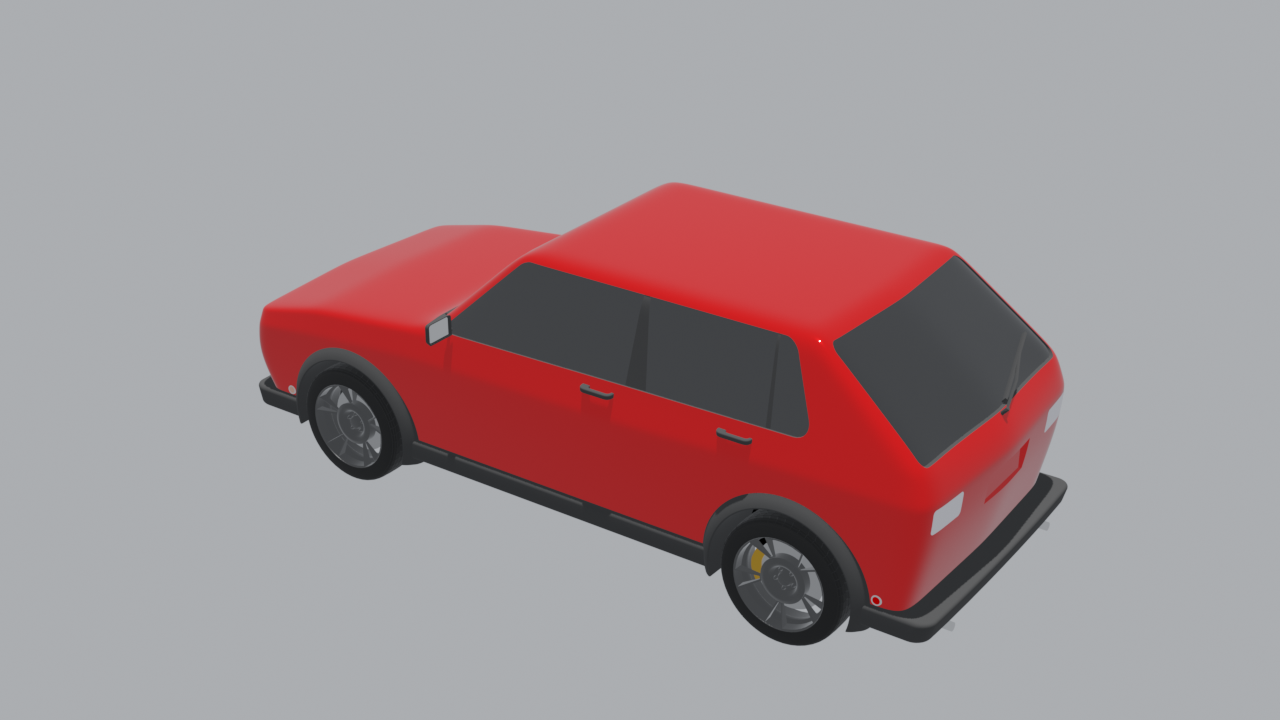
The first run already earns its keep: the Blender render of the owner's hot hatch is red
with clear glazing, while the in-game capture of the same asset is near-black, so the
material colour is being lost on import - visible in one glance in the new page.
918 KiBLFS
1280x720px
918 KiBLFS
1280x720px